 Blend Input
One weighted channel of sculpted targets inside a blendshape pass.
| Node type | RigExecBlendInput |
| Example | blend_input.usda |
On this page:
Overview
A single channel — a smile, a brow raise, a phoneme. It carries one
animated inputs:weight and a set of target samples, applied in activation
order; the blendshape mover sums every bound channel into the final delta. Channels
are independent, so weights layer without interfering.
One independently composable blend channel with an authored or connected weight and relationships to samples. The weight is clamped to [0, largest sample activation] and interpolates linearly between the bracketing samples, with an implicit zero-delta sample at activation 0.
How it works
The channel evaluates its samples against the weight: below the first activation the delta fades in, between samples it interpolates, past the last it holds: the weight is clamped to [0, last activation]. A NaN or infinite weight contributes zero for this channel; other channels still apply. The result is one delta array the mover adds to its sum.
Wiring
| Relationship | Points to | Required |
|---|---|---|
rigExec:samples |
Target samples for this channel, applied in activation order whatever the list order. | yes |
| (bound by) | A blendshape mover's rigExec:blendInputs sums this channel. |
- |
Parameters
Node parameters
inputs:weight
Type: float. Default: 0.
rigExec:samples
Relationship.
Example
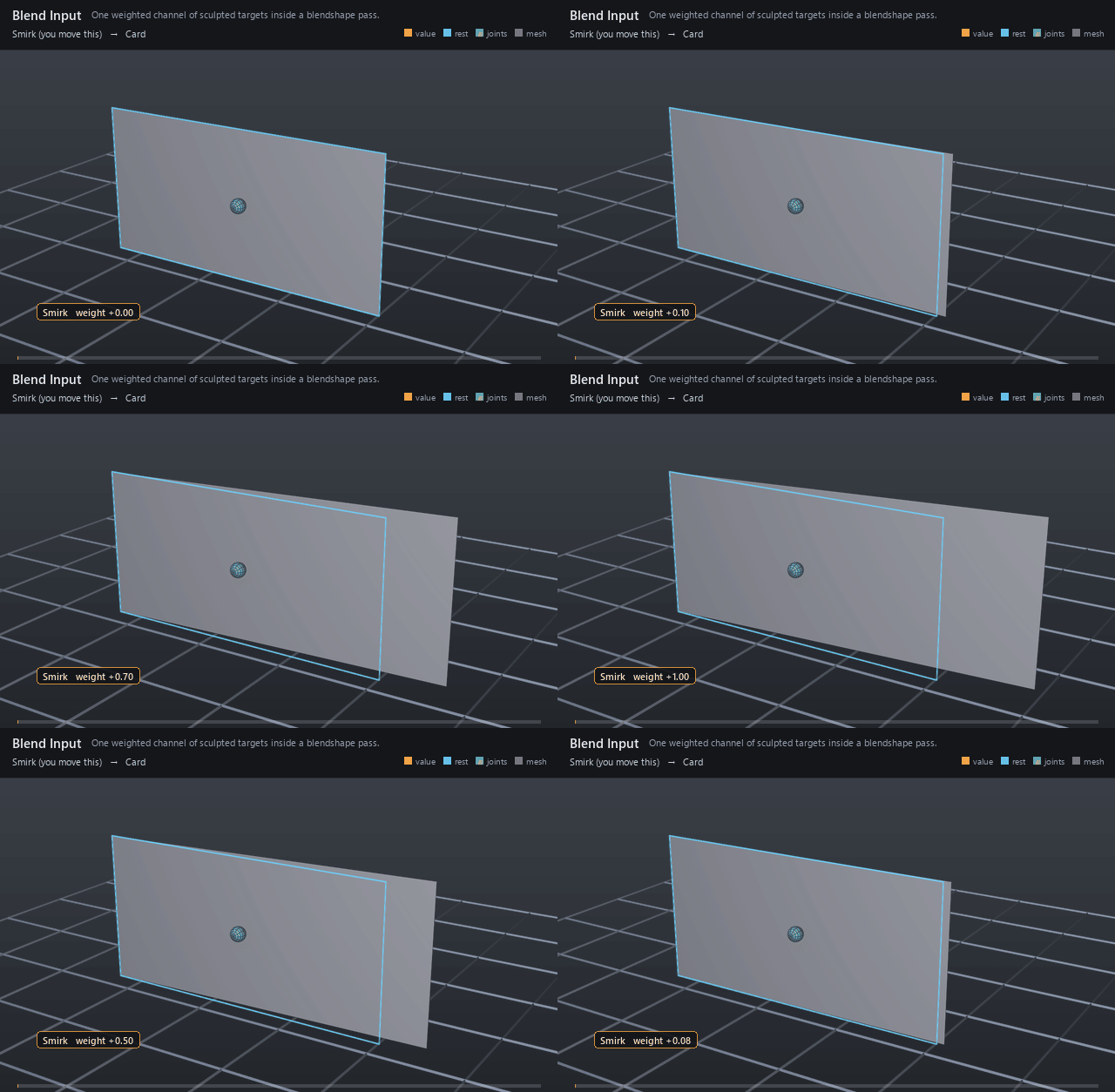
One channel, one target: the Smirk weight sweeps 0 → 1 → 0 and the card's right column slides sideways with it — the smallest possible blend channel.
Open it live with:
Re-render the GIF above with:
Tips
- One input per facial action keeps weights directable; combine them in the mover, not in the sculpts.
- Nest samples under their input so the channel reads as one unit in the graph.